
Your games. Your progress.
Browse your Steam library and manage achievements in one workspace. Stage changes, review your preview, and save explicitly through Steam.
Download SteamStone v1.0.0 · User guide · Source code
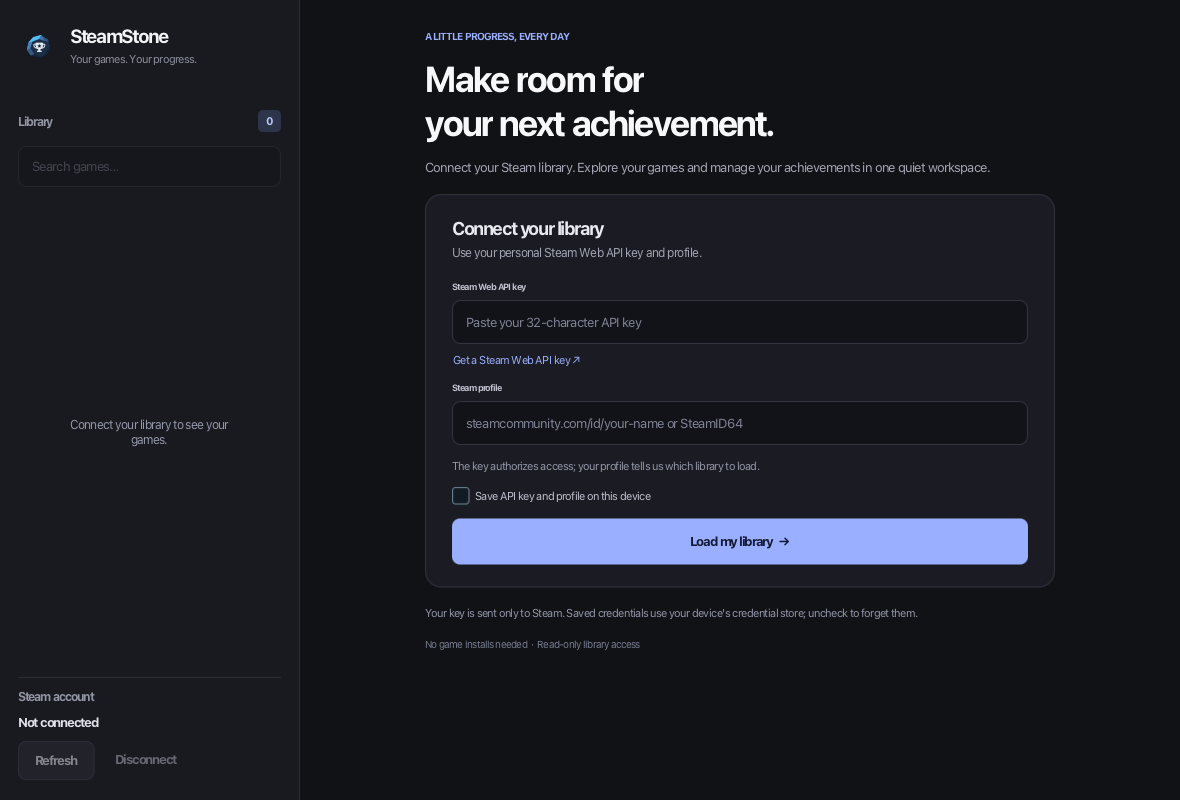
Preview first. Save when ready.
- Search your library and inspect achievement states.
- Stage individual changes or use Unlock all and Lock all.
- Discard your preview with Reset, or explicitly Save changes to Steam.
- Remember your API key and profile in your operating system’s credential store, if you choose.
Choose your platform
| Platform | Downloads |
|---|---|
| macOS Apple Silicon | ZIP containing SteamStone.app |
| macOS Intel | ZIP containing SteamStone.app |
| Windows x64 | Setup wizard or portable ZIP |
| Linux x64 | TAR.GZ archive; graphical desktop and GTK 3 required |
Java is bundled. Editing requires Steam running under the same account. Some games restrict achievement changes. Builds have no trusted publisher signature and are not notarized; see the installation guide before opening a download.
SteamStone v1.0.0 is released. Choose the download for your platform from the release page. Apple Silicon packaging and fixture checks have passed locally; Intel Mac, Windows, and Linux still require runtime and installation verification.
Get started
Get a personal Steam Web API key, enter it with your own profile, and load your library. Checkbox edits stay local until you save. Read the setup and achievement guide.
Report a problem · Contribute · License
SteamStone is independent of Valve and is not endorsed by Valve. Steam names and game artwork belong to their owners.